
Every operator builds it the way your best one does
Real-Time Operator Guidance puts your work instructions on a screen at the bench and follows along. The operator sees the next step, a wrong one raises an alert while the piece is still at the station, and the correction happens in seconds instead of at final inspection.
Live in two weeks. No MES integration required. Runs on the same camera feed as the rest of Operator Vision
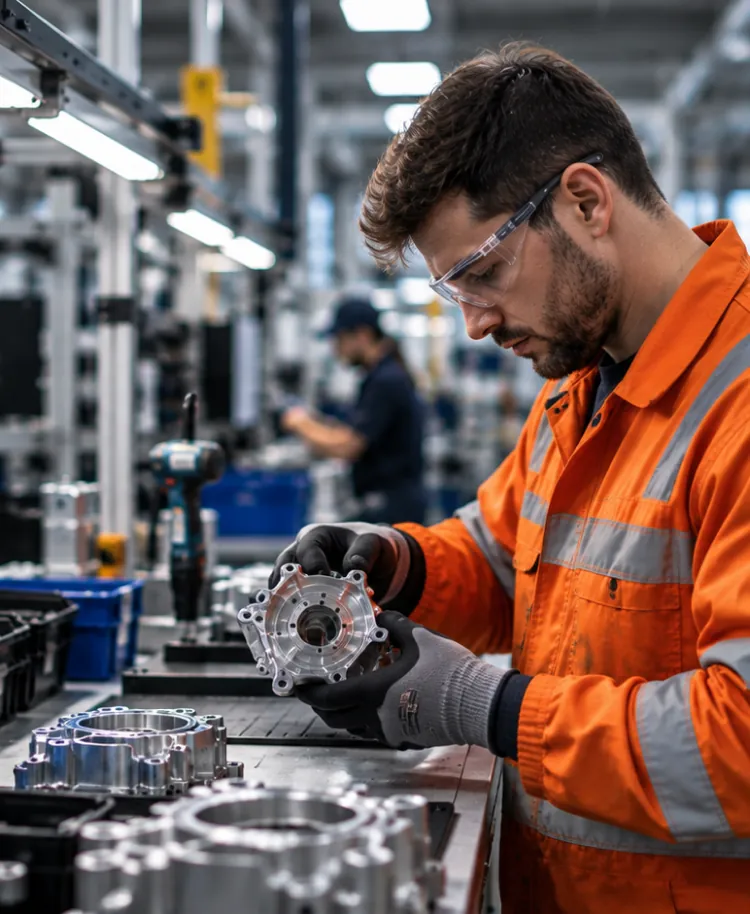
By the time QC catches it, the operator has moved on
A new operator learns the job by doing it wrong and finding out later. The piece gets caught by QC, or it gets returned by a customer, and someone traces it back. The conversation happens days after the build, and by then the operator has run the same step three hundred more times. The experienced operator has the opposite problem. They’ve found a better way through the build, and no one has written it down, so it lives with them and leaves when they do. In between sits the paper on the wall. Work instructions that are read closely in week one, half remembered by month three, and quietly out of date by the time anyone checks.
How the job is taught
- New operators follow the standard
- Experienced operators improve the process
- Work instructions define the method
- Knowledge stays consistent
The standard everyone is meant to follow.
What actually happens
- Feedback comes days later
- Mistakes get repeated
- Better methods go undocumented
- Instructions become outdated
The real process drifts from the written one.
Five categories, plus the list you write yourself
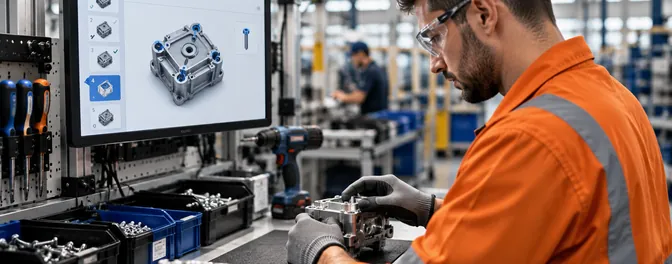
Shows the current step
The operator sees where they are in the build, on a screen at the bench, without leaving the work to check a document.
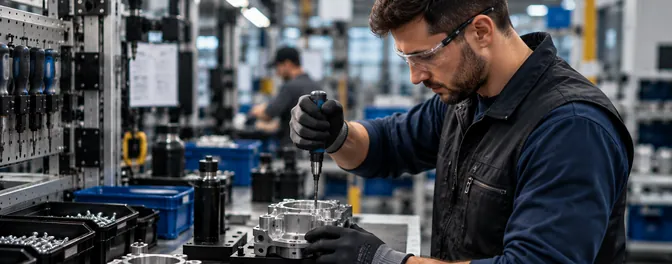
Confirms the step is done
A correct action gets a checkmark. The operator knows the build is on track without waiting for anyone to tell them
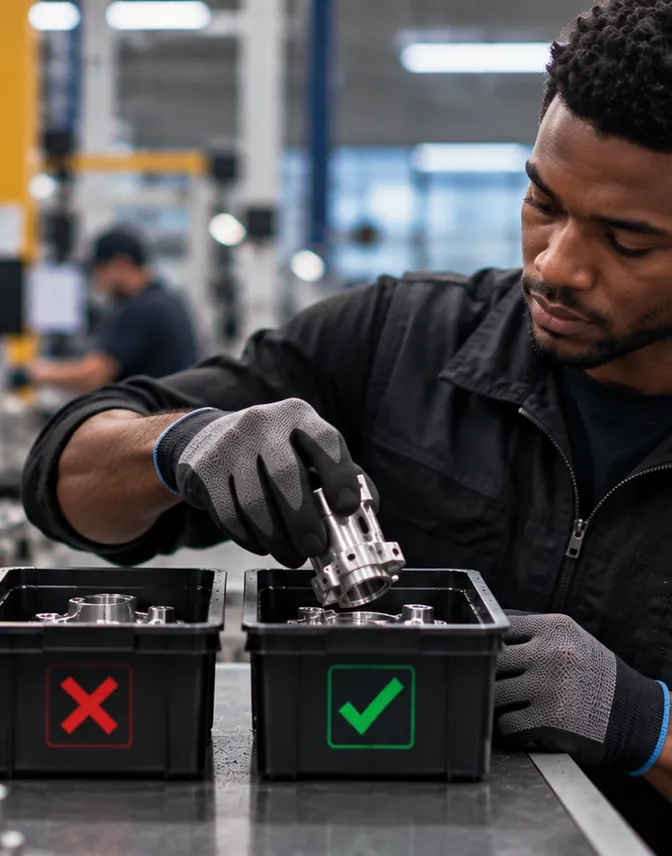
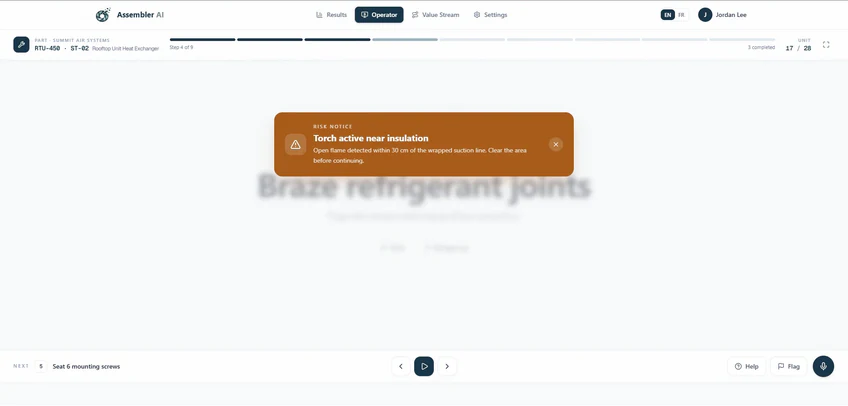
Alerts on what actually went wrong, and holds it
A missed step, a wrong part or tool, a step out of sequence, a wrong count, a unit going into the wrong box, or an action on your do-not-do list. The alert stays up until the action matches. It doesn’t clear on its own and it doesn’t get lost in a queue.
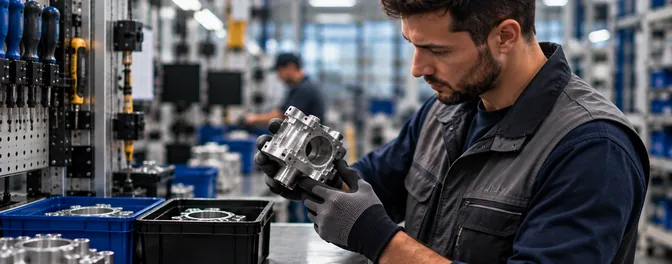
Sends notes back to engineering
A missing part, a bad tool, a fixture that doesn’t hold. The operator flags it from the bench without leaving the station or finding a supervisor first.
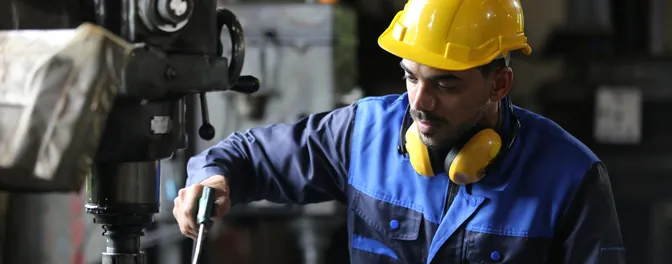
Logs it automatically
What happened, when, and on which cycle, without an operator stopping to type it in.
The operator fixes it on the spot
FIRST
The operator
The alert reaches the station the moment it fires, while the piece is still at the bench and the fix costs a few seconds of extra work. The screen shows what triggered it and gives the operator a way to respond, acknowledge, or tell engineering the rule needs adjusting.
next
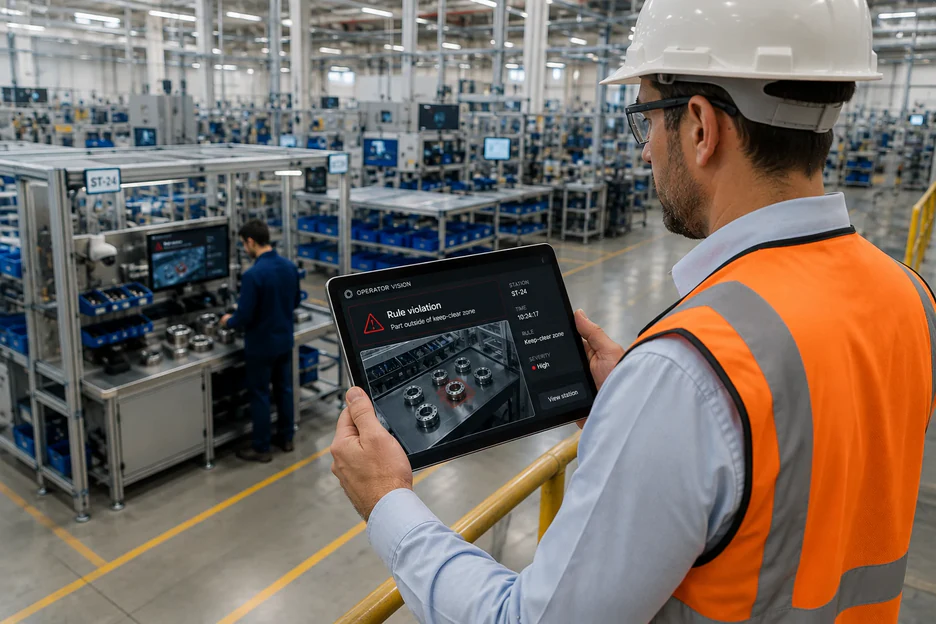
Your supervisor
If it isn’t handled at the station, the alert escalates with the video attached.
ALWAYS
The dashboard
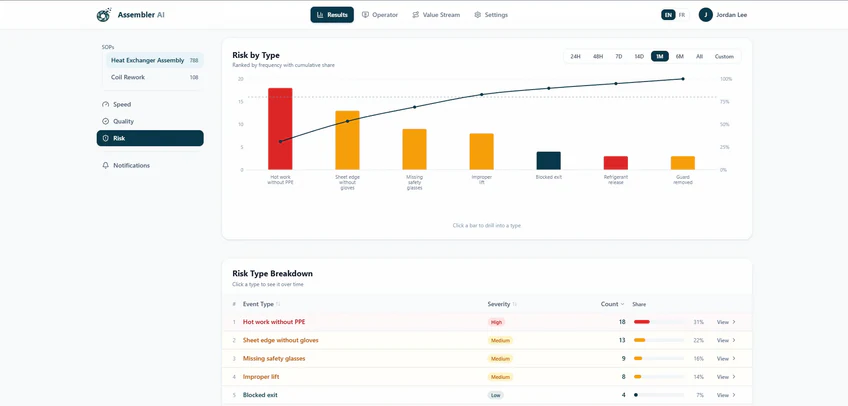
Every event lands in the record whether it was fixed in five seconds or escalated. One alert is noise. The same alert forty times on second shift is a finding.
Most alerts end at the bench, which is the entire point.
New operators reach the rate of your experienced ones sooner
Onboarding a manual station is mostly repetition plus correction, and the correction arrives late. Guidance at the bench moves it to the moment it’s useful. A new operator working with the screen gets the next step in front of them and an alert the moment something goes wrong, which is the same coaching an experienced colleague would give if they could stand there all day. What they don’t get is a review three weeks later about a unit they can’t remember. The second effect is on the method itself. When one operator consistently runs a step faster and cleaner than everyone else, the step-level data shows exactly how. That method becomes the one on the screen, so it spreads to the whole shift rather than living with one person. Guidance runs in English, French, and Spanish.
The operator knows steps your engineers don’t
Somebody who has run the same build ten thousand times has opinions about it, and most plants have no route for those opinions to travel. Real-Time Operator Guidance gives them one. A note from the bench reaches engineering with the cycle attached, so a missing part, a fixture that won’t hold, or a step that can’t be done the way it’s written arrives with evidence rather than as a complaint at the end of a shift. Operators can give feedback on alerts directly from the screen, and that feedback trains Operator Vision. What the bench notices is one of the fastest ways the model gets sharper on your floor.
Where guidance at the bench earns its keep first
Aerospace and defense
Long builds across many steps, where the cost of getting one wrong is rework, retest, and a delay your executives ask about
See aerospaceAutomotive components
High turnover and high mix, where new operators and changing builds meet on the same bench
See automotiveMedical devices
Hand-built work under GMP, where the method has to be the same every time and the record has to show it
See medical devicesHVAC
Configurations that change by the order, so the operator is reading a different build most days
See HVAC
Built to be defensible at the bench
Most systems that watch a factory floor report upward. Assembler AI built this one to reach the operator first. Faces are blurred by default. Operator Vision doesn’t collect operator names or IDs, and the data comes back tied to a station and a shift. The record protects your operators too. When a defect surfaces three stations down, the operator who did the job right has the footage. When the work instructions are wrong and the operator found the better way, the video is the argument. Where a union agreement applies, Assembler AI works inside it, and the deployments that go smoothly start with everyone in the room before the camera goes up.
How we handle privacy and IT review
If an operator at the station could see it, so can Operator Vision

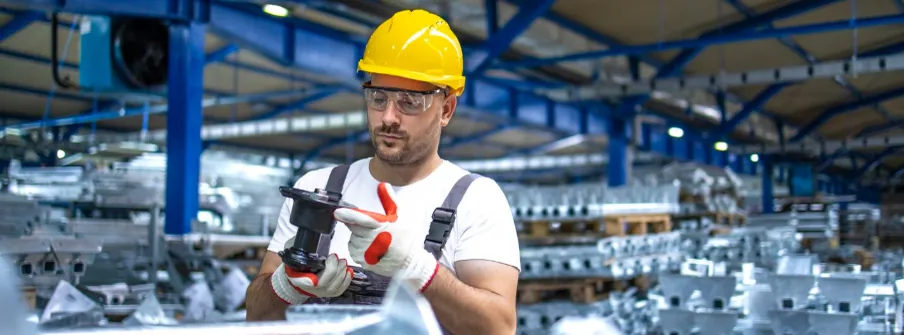
Anything visible at the station
Steps, sequence, parts, tools, placement, and timing, on every cycle rather than on the ones somebody sampled.
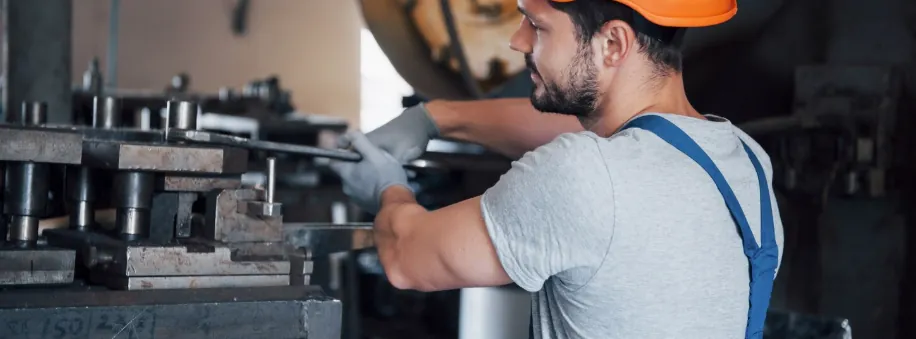
What sits inside a closed housing
Not visible to a supervisor standing there either. What gets guided is the sequence that put it there.
The whole bench, including the far side
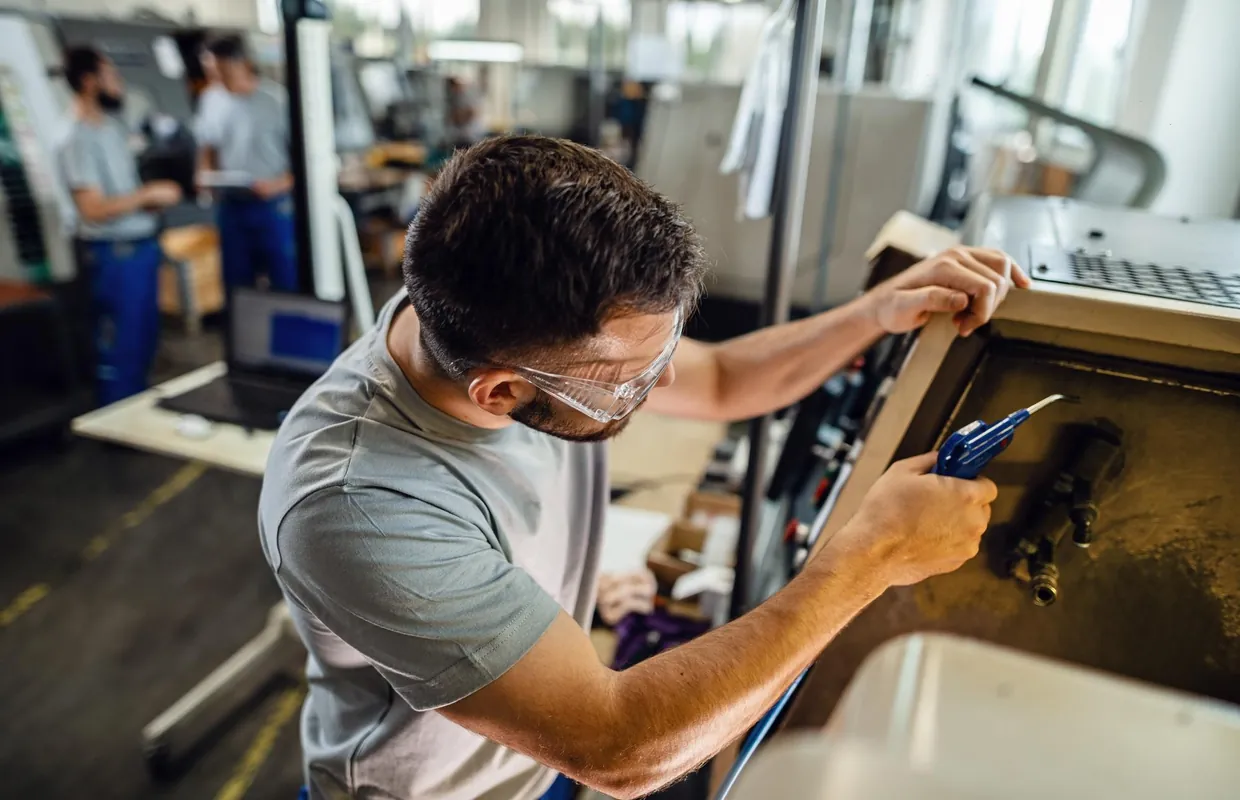
One camera covers one station. On a large part, an ATV or a truck bed, an operator walks around to the far side, so those stations get a two-camera setup sized at the walkthrough.
Two weeks to a live station
Send the work instructions you already have on day one, and if that station has none written down, Assembler AI will work with you to create them. The camera and the station screen go up in week one, NDAA-compliant hardware Assembler AI supplies and provisions, on its own subnet, streaming out over an encrypted VPN. Week two is calibration and training the model on your alerts. Guidance goes live on day fifteen. That’s two weeks on a station with one operator, closer to three where several people share a bench. Stations after the first go up in parallel, so covering a line or a plant is measured in weeks rather than one station at a time.
Start with one station. The data gets more valuable with every one you add
No one instruments a plant on a vendor’s promise. So you start small, with the station where new operators struggle most or the build changes most often. Two weeks later the guidance is running and you can see what it’s catching.
What happens after is worth understanding before you begin. This data is comparative, so every station you add makes the ones you already have more useful.
One station
Which steps new operators get wrong, and how quickly they stop
The line
Stations running the same build show you whether a step is hard everywhere or hard here. One is a work instruction problem and the other is a station problem.
The factory
Shifts and cells compare against each other, and onboarding time becomes a number you can watch move
Across sites
The method that works best anywhere in your group becomes the guidance everywhere, with video of somebody actually doing it
If you’re heading toward multiple sites, tell Assembler AI early and we’ll scope single sign-on, role-based permissions, and per-site data separation with your IT and HR teams while the first station runs.
Questions your team will ask
The current step, a checkmark when it’s done correctly, and an alert when something goes wrong that stays up until the action matches. Plus a way to send a note to engineering without leaving the bench
English, French, and Spanish. Tell Assembler AI what your floor runs on and we’ll talk about what else is possible.
That depends almost entirely on how it’s introduced, which is why Assembler AI would rather be in the room early. The feedback reaches the operator before it reaches anyone else, faces are blurred, no names or IDs are collected, and the note function gives the bench a route to engineering it usually doesn’t have.
No, and that’s the difference from a connected worker platform. Those depend on operator inputs, a tap or a click or a keystroke, which means stopping the build to record it. The camera collects the same record without the operator doing anything.
One per station where you want guidance. Stations running quality alerts or cycle time analytics don’t need one, since those report to supervisors and dashboards.
Say so from the screen. That feedback goes straight into training Operator Vision, so the model gets more accurate on your station every time an operator weighs in.
If the steps stay the same, a new part shape is usually fine. If the steps change, you upload the new work instructions and both the guidance and the model are updated against them.
Assembler AI’s proprietary manufacturing vision models start around 80 percent accuracy on a new station and reach the mid 90s after the initial calibration. Those first two weeks are what get it there on your parts rather than in a demo.
Put it on the station where new operators struggle most
One camera, one screen, two weeks. Then watch how long it takes someone new to build at the rate of your best.
No MES integration required, and it scales easily across your sites.
Insights on how manufacturers are using Assembler AI to boost cycle time and quality
Stay updated with the latest news, ideas, and product updates.