
FIRST · AT THE BENCH
The Station
The flag reaches the station first, while the piece is still at the bench and the correction costs nothing but a few seconds. Most flags end there, which is the entire point.
An operator works through five to twenty steps with parts, screws, and hand tools, and nothing records whether any of it happened the way the work instructions say. One camera above the bench reads every step. When something goes wrong the operator is notified on the spot and puts it right, so what used to surface at final test, or at your customer, gets settled at the station instead
Live in two weeks. No MES integration required. Your work instructions are the only input Operator Vision needs
A bench, a set of work instructions with five to twenty steps, and one or more operators building to them. Parts arrive in bins, tools sit within reach, and a unit leaves finished. A brake system, a bracket subassembly, a wire bundle, a pump housing.
Every one of those benches runs on the operator’s memory of the document. No cycle counter, no record of which steps happened, and no signal at all unless somebody is standing there watching. That has been the state of manual assembly for as long as manual assembly has existed, which is why the most error-prone operation in your plant is also the least measured.
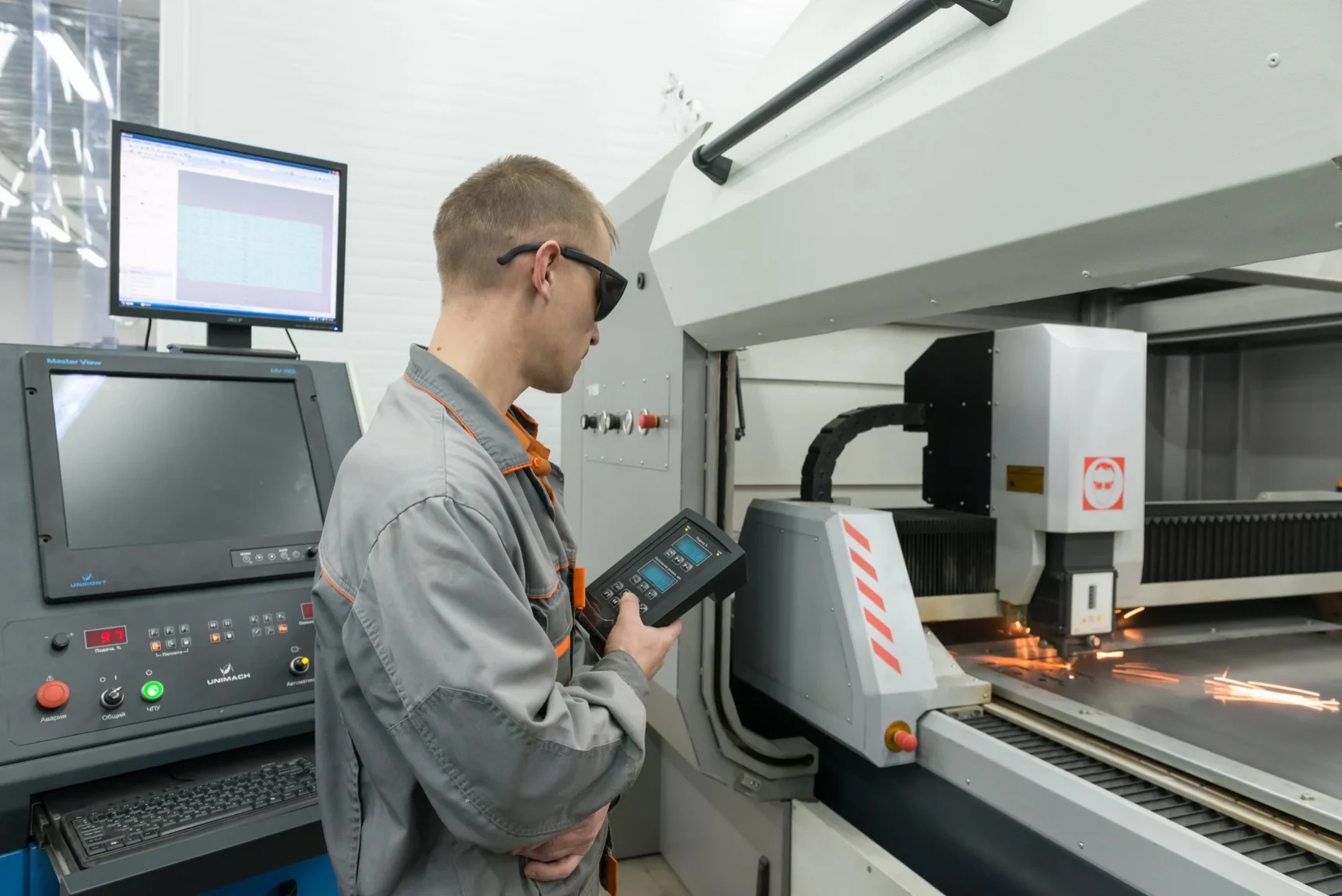
Your presses report. Your CNC machines report. The station where a person performs twenty steps in sequence produces no data at all. So the failure shows up late. A missing component surfaces at final test, or not at all. An out-of-sequence build surfaces as a customer complaint or a return, long after anyone could say which unit it was. Sometimes it never surfaces at all, which costs you a customer rather than a part. There’s a quieter version too. Work instructions drift. Steps sit in the document that no operator has performed in years, and steps happen at the bench that the instructions never captured. Both are invisible until something forces a comparison.

50–70%
of scrap at high-mix, low-volume manufacturers traces back to how the work was performed, rather than to suppliers or design
15–30%
of throughput lost when operators drift from the standard
Half
the time your continuous improvement engineers spend on manual time studies, given back. That’s the target Assembler AI builds to.
The step happened
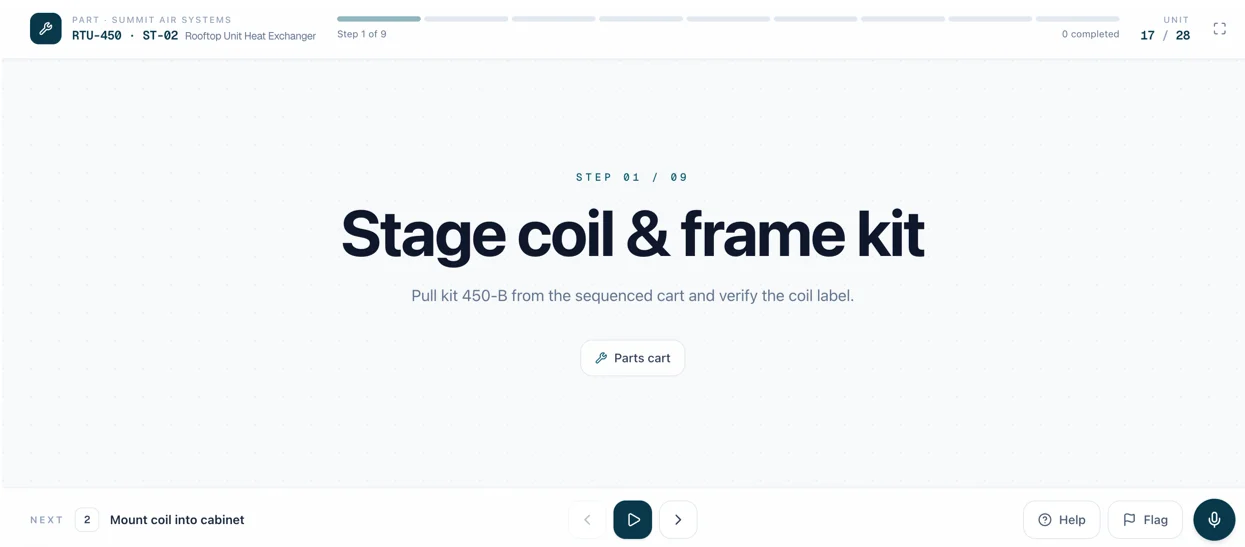
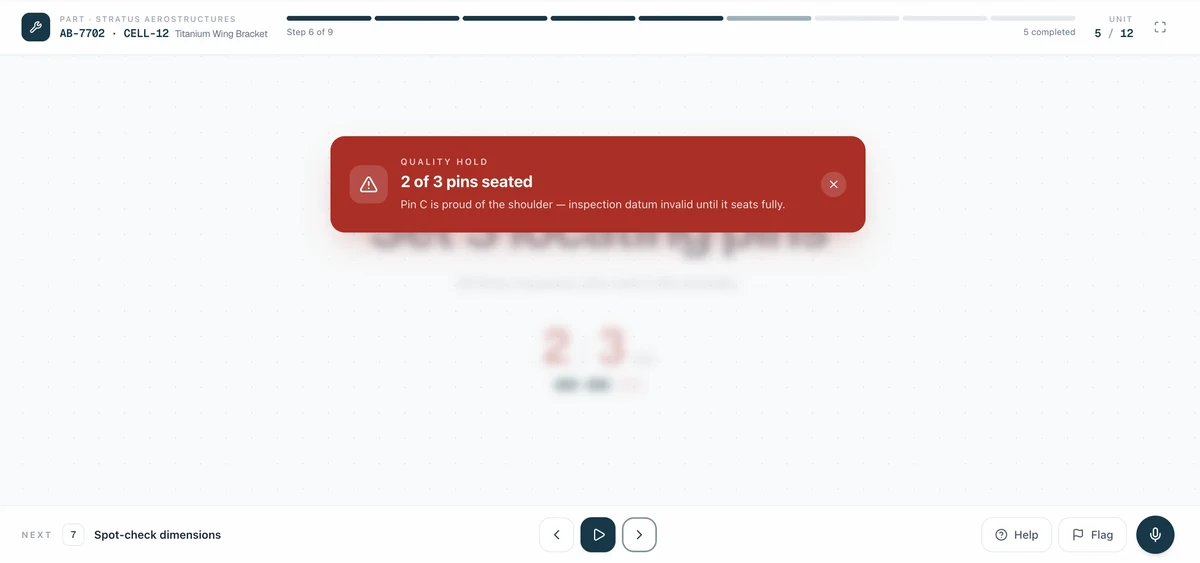
Each step in your work instructions, confirmed or flagged. Missing components and skipped operations get caught at the bench rather than at final test.
The order was right
Out-of-order builds break the flow of the whole bench. A step taken early means another gets redone, the rhythm goes, and both the quality risk and the cycle time climb. Operator Vision checks sequence on every cycle. Rework at the station, where an operator backs up and redoes a step, gets its rules set during calibration so a corrected build doesn’t read as a failed one.
The right part and the right tool
Wrong variant, wrong fastener, wrong tool for the step
The count
How many screws went in, how many parts went into the bin, how many of a small repeated component the build called for. A wrong number here is the kind of thing that locks a unit up months later.
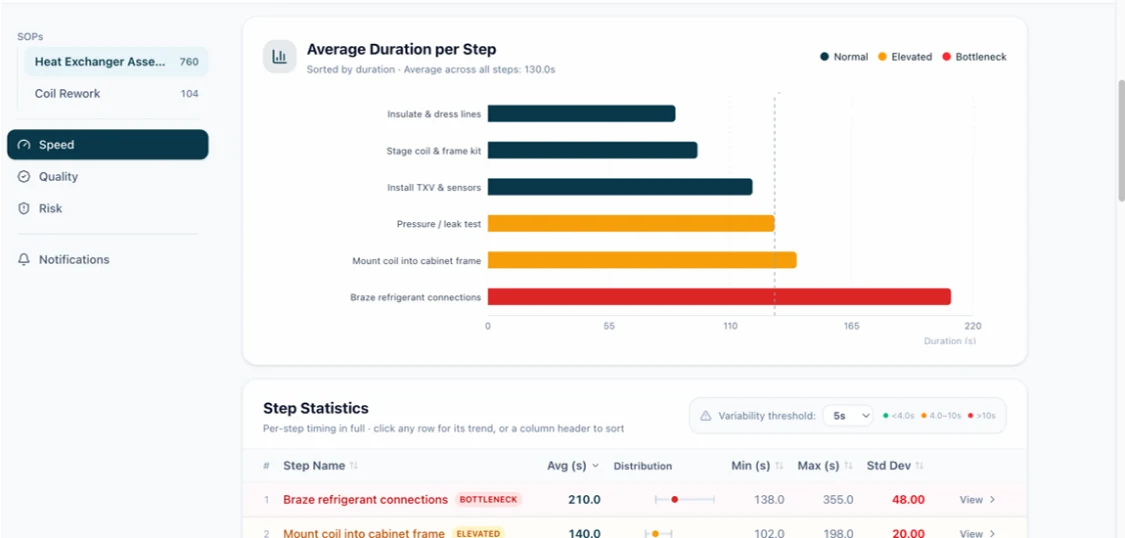
Every step timed, every cycle
Average, minimum, and maximum per step, with the video attached to every outlier. No stopwatch, no clipboard, and no operator working differently because somebody is standing there with one.
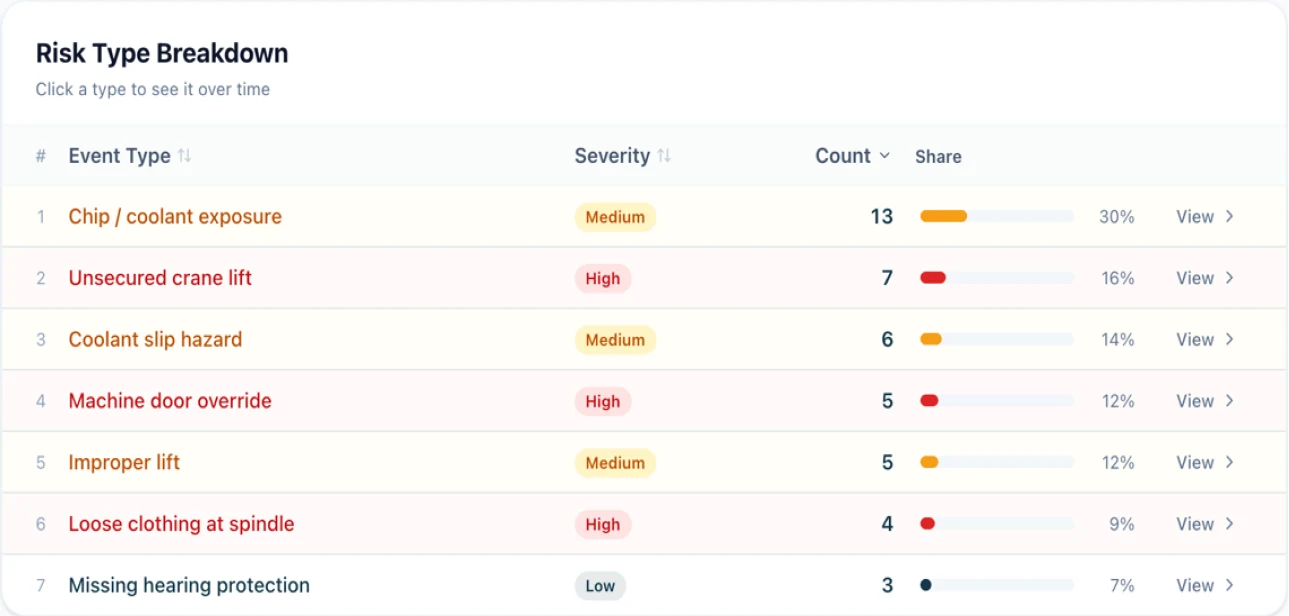
The actions that never appear as steps
Because nobody should take them. A part off the floor, a unit parked half-finished and picked back up later, work stacking up faster than it clears, an operator in a space that has to stay clear.
An alert that goes over the operator’s head turns a camera into a grievance, and an alert that arrives tomorrow is a report rather than a fix. So the order matters as much as the speed
FIRST · AT THE BENCH
The Station
The flag reaches the station first, while the piece is still at the bench and the correction costs nothing but a few seconds. Most flags end there, which is the entire point.
IF UNHANDLED
The supervisor
If it isn’t handled at the bench it escalates to a supervisor, with the video attached.
ALWAYS
The dashboard
Either way the event lands on the dashboard, because one flag is noise and the same flag forty times on second shift is a finding.
The test is simple. If a supervisor standing next to the operator could see it, Operator Vision can see it
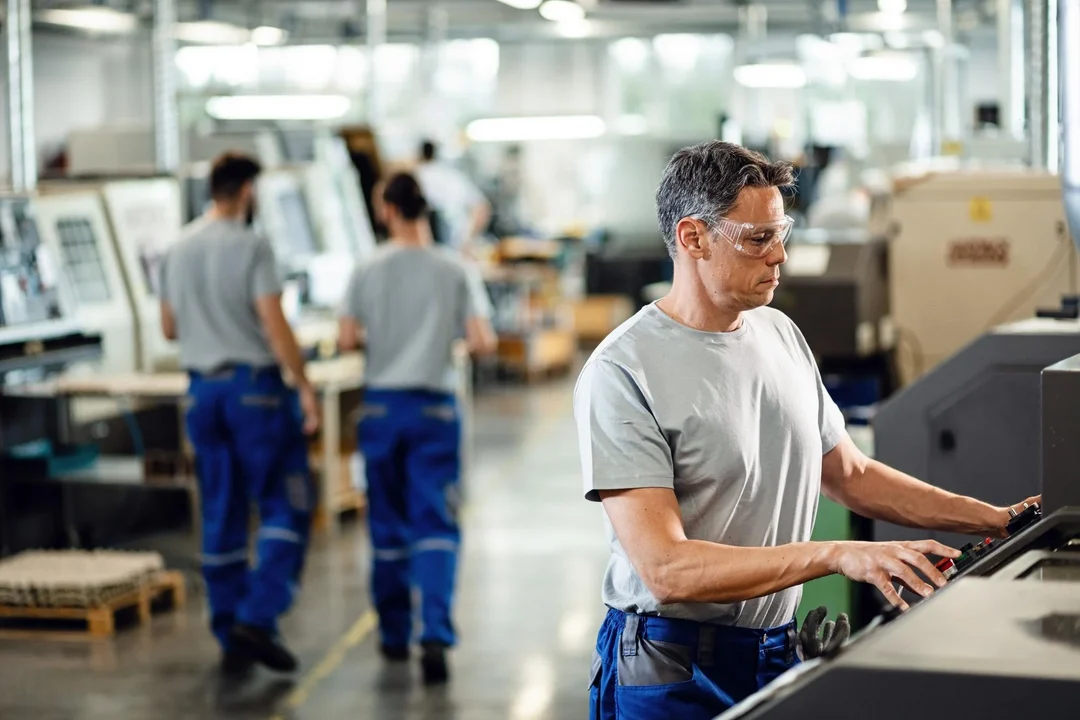
Steps, sequence, parts, tools, placement, and timing, on every cycle rather than on the ones somebody sampled. What sits inside a closed housing isn’t visible to a person standing there either, so it isn’t visible to the camera.
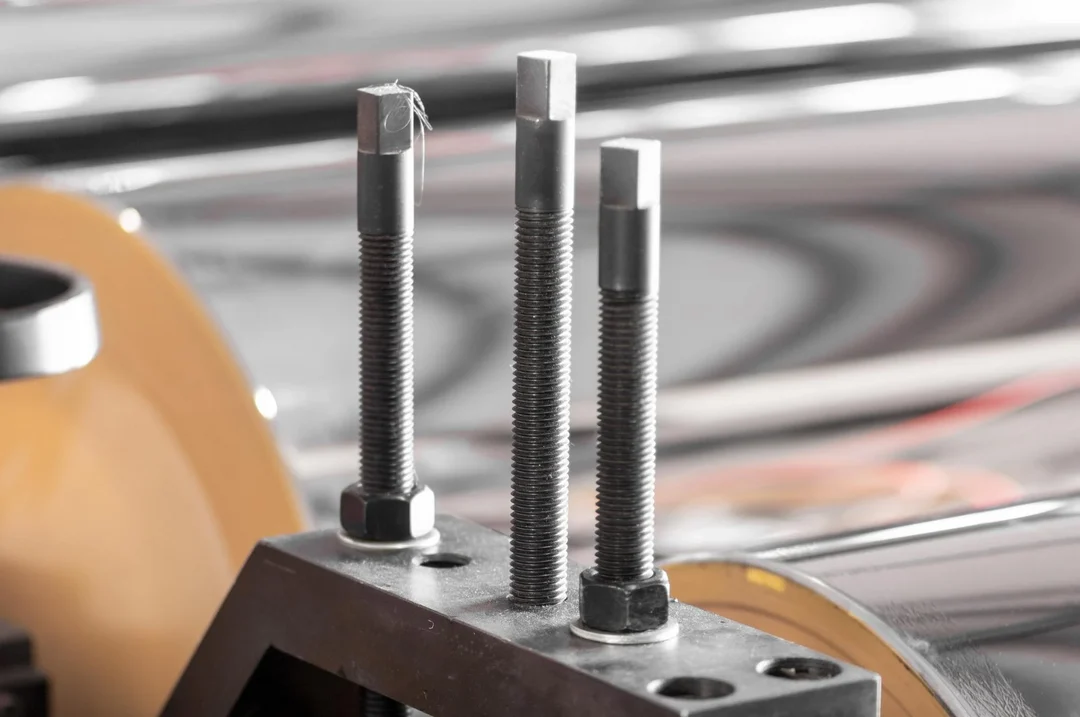
Operator Vision confirms the driver was applied to the right fastener at the right point in the sequence. The torque value itself lives in the tool, so if you need the joint verified to spec, that number comes from the tool rather than from a camera. Be careful with any vendor who tells you otherwise.
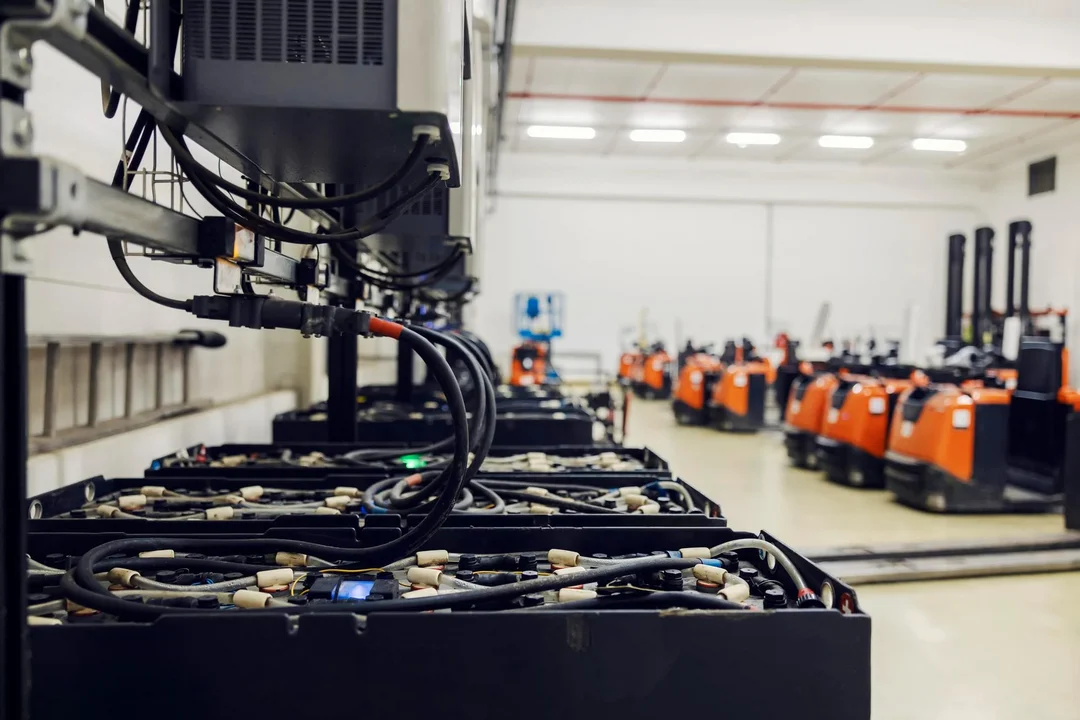
Very small parts and fine markings depend on camera position, and Assembler AI confirms what’s resolvable during calibration rather than after go-live.
One camera covers one bench. On a large part, an ATV or a truck bed, an operator walks around to the far side and out of view, so those stations get a two-camera setup. Assembler AI sizes that at the walkthrough rather than leaving you to find the gap in week three.
A continuous read on all three at that bench, running whether or not anyone is scheduled to look. No stopwatch, no clipboard, and nobody standing over the operator to produce it
Average, minimum, and maximum for every step, by station and by shift, with video on every outlier.
The usual workflow is somebody on the floor capturing three cycles per station, then separating the cycles by hand, then cutting a video for every step, then loading all of it into balancing software to be averaged. That’s hours of manual editing for a snapshot that’s out of date when it lands. Operator Vision produces the same step times continuously and without the editing.
When an operator consistently beats the work instructions by doing it differently, you have the footage. Sometimes the right outcome is changing the work instructions.
Why that one cycle took twice as long. Why the night shift runs three times slower than days. Why the same station in another plant takes fifty percent longer than this one. The step times tell you where to look and the video tells you what happened.
Root cause on a manual build usually means a room full of people reconstructing a unit from memory. Video of the actual cycle shortens that considerably.
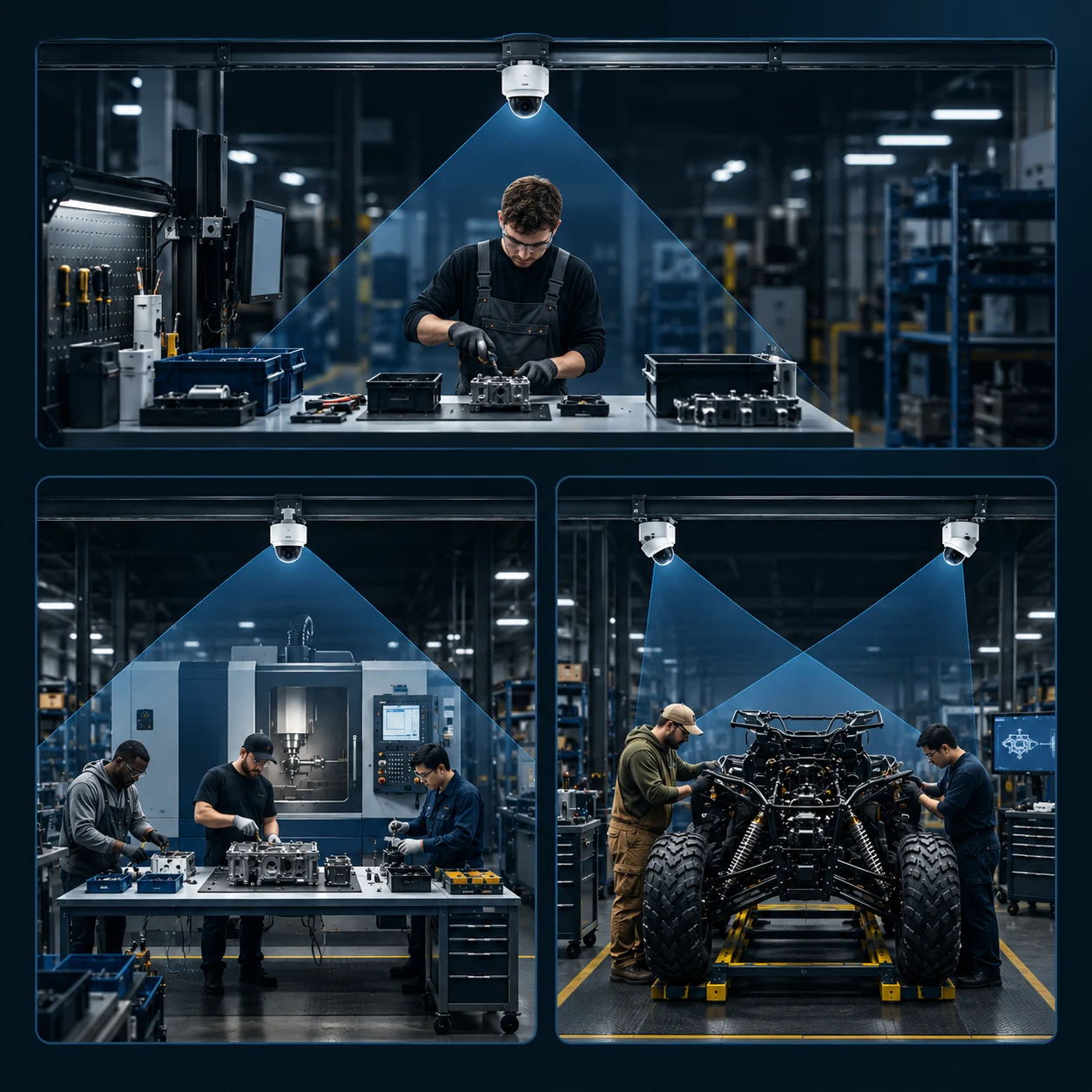
One camera mounted above the station, off-the-shelf and NDAA-compliant, supplied and provisioned by Assembler AI. Two where the part is large enough that operators work both sides. It sits on its own subnet and streams out over an encrypted VPN, so your IT team opens one outbound path and nothing else. Nothing about the bench changes and nothing gets bolted to your tools.
Send work instructions on day one. Week one the camera goes up. Week two is calibration, where the footage and the instructions get compared and the differences settled with your team. Rules go live on day fifteen.
That’s two weeks on a bench with one operator, closer to three where several people share it. Benches after the first go up in parallel, so covering a line or a plant is measured in weeks rather than one station at a time.
Nobody instruments a plant on a vendor’s promise. So you start small, with one bench, the one producing the most rework or the most unexplained variance. Two weeks later you have step-level data on your own builds, your own operators, and your own work instructions. That’s a small commitment, and it answers the only question worth asking at the start, which is whether this works on your floor rather than in a demo.
What happens after is worth understanding before you begin. This data is comparative, which means every station you add makes the ones you already have more useful. The second bench is worth more than the first. The tenth is worth more than the second.
You learn how the work actually happens against how it’s written. Step times, the steps that quietly get skipped, and the ghost steps in your work instructions that no operator has run in years. On its own that is usually enough to justify the station.
Benches running the same build become directly comparable. Variance between operators and between shifts stops being anecdote and becomes a number with video behind it, and line balancing stops being a quarterly exercise somebody dreads.
Shifts and cells compare against each other. Why the night shift takes three times as long on the same bench. Whether the change you made last month actually held, measured against how that station ran before it.
The same build in two plants becomes comparable for the first time, with video from both. The best method anywhere in your group becomes the standard everywhere, backed by footage of somebody actually doing it.
That last one is where the arithmetic changes. A single bench gives you a number. A factory gives you a distribution. A group of plants gives you a benchmark no consulting study could produce, and unlike a study it keeps updating itself as your work changes. If you’re heading toward multiple sites, tell Assembler AI early and we’ll scope single sign-on, role-based permissions, and per-site data separation with your IT and HR teams while the first station runs.
That’s the normal case and it’s what calibration is for. Steps that genuinely can’t be told apart from above get identified in week two, and Assembler AI would rather tell you a step isn’t detectable than flag it unreliably.
Yes. Operator Vision reads the station rather than a person, so a bench with two or three people building on it is normal. Allow closer to three weeks for calibration instead of two, because there’s more variation to learn.
Then either the order doesn’t matter and Operator Vision doesn’t enforce it, or it does and you’ve just found a training gap. That conversation is worth having with the footage in front of you.
No. Operator Vision reads the work, not the person. New operators are the group that benefits most, because the feedback arrives at the bench instead of at their next review.
Common on assembly benches. Each variant gets taught during calibration, and near-identical variants take a little more work than obviously different ones. Tell us how many and Assembler AI will be straight about the effort.
Stop-and-go is normal in high-mix plants and parked units are exactly the thing nobody has a number for. Tell us during calibration how often it happens at your bench and Assembler AI will set the rules so a paused build doesn’t read as a failed cycle.
Operator Vision confirms the tool was used on the right fastener at the right point in the sequence. The value itself has to come from the tool, and be careful with any vendor who says otherwise from a camera alone.
If the steps stay the same, a new part shape is usually fine, and new variants get taught the same way. If the steps change, you upload the new work instructions and Operator Vision is retrained against them, which can carry a reconfiguration fee.
What matters is what the bench is building. A model carries across when the layout and the work instructions are close enough, so two benches running the same build are straightforward and two running different products are not. If you’re hoping to cover several stations with fewer kits, raise it early and Assembler AI will tell you straight whether your benches are close enough.
One station, one month, and you’ll know how often the work instructions and the floor disagree.
No MES integration required and easily scales across your sites.
Stay updated with the latest news, ideas, and product updates.