
Your work instructions are the to-do list. We also watch the do-not-do list
Every station has rules that never show up as steps. Parts that touch the floor stay off the line, keep-clear zones stay clear, and nothing unfinished reaches the outbound bin. Real-Time Risk Detection watches these rules every cycle. When one breaks, the operator is notified first. If it isn’t resolved, the supervisor gets the video, and every event lands on the dashboard
Live in two weeks. No MES integration required. Runs on the same camera feed as the rest of Operator Vision
The expensive mistakes are not just in the work instructions
A missed step shows up in your quality data eventually. The actions that cost you most never show up anywhere, because no one wrote them down as steps. An operator picks a plastic component up off a clean room floor and puts it back on the line. The batch is now suspect and no one knows. An operator crosses into a zone that has to stay clear and a finished panel gets scratched on the way through. A defective part goes into the good bin because the bins sit next to each other and the shift is long. Each of those takes about two seconds. You find out at final inspection, at the customer, or not at all.
The to-do list
- Fit the bracket to the housing
- Torque four fasteners in sequence
- Gauge-check the bore
- Label and place in the outbound tray
Never written down. Never measured. Costs the most.
The do-not-do list
- Put a part back on the line after it hit the floor
- Cross the keep-clear zone with a finished panel
- Drop a defective unit into the good bin
- Leave a half-finished unit parked and come back to it
Written down. Trained on. Audited.
Five categories, plus the list you write yourself
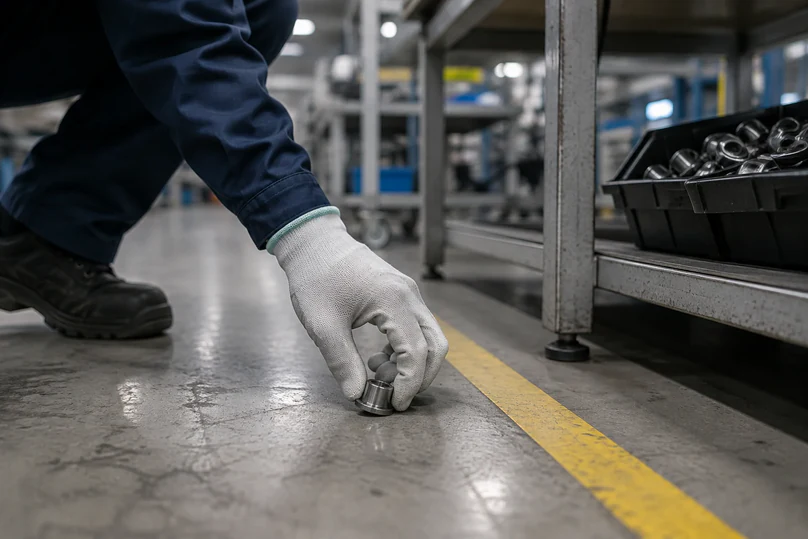
Contamination and handling
A part picked up off the floor, touched without required gloves, or placed on an unapproved surface can put an entire GMP batch at risk.
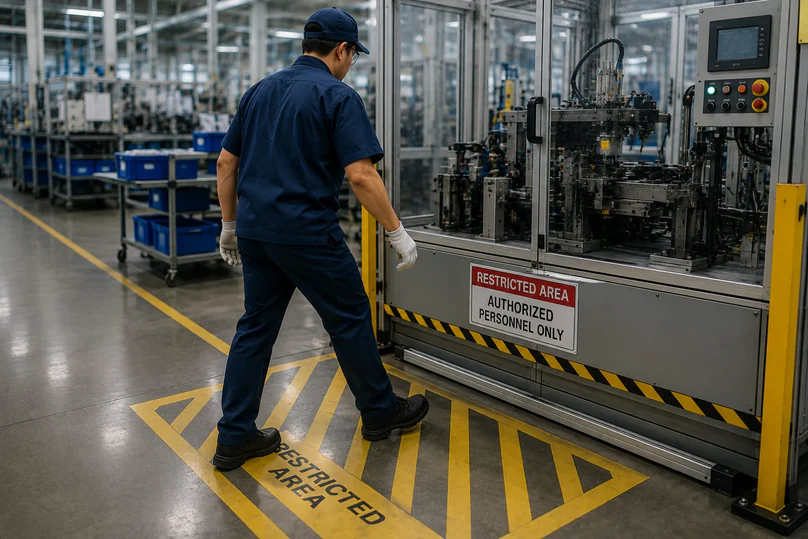
Restricted areas
An operator enters a restricted zone, risking damage to finished surfaces. Someone leaves the station with a part, creating uncertainty about where it went.
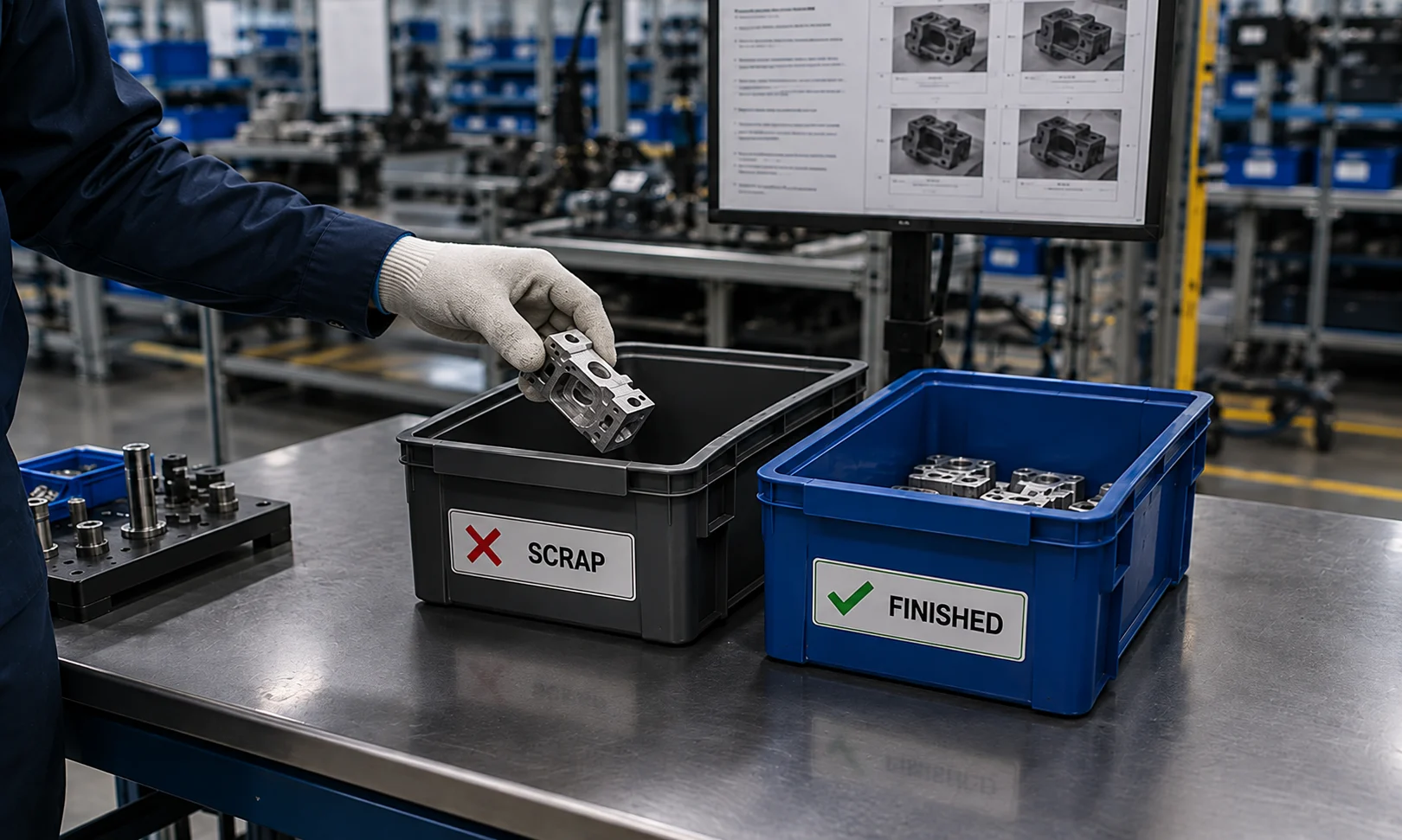
Wrong destination
A defective part in the good bin, which is the one that reaches your customer. A good part in the scrap bin. A finished unit in the wrong tray, box, or pallet. Material staged where the next operator won’t think to look for it.
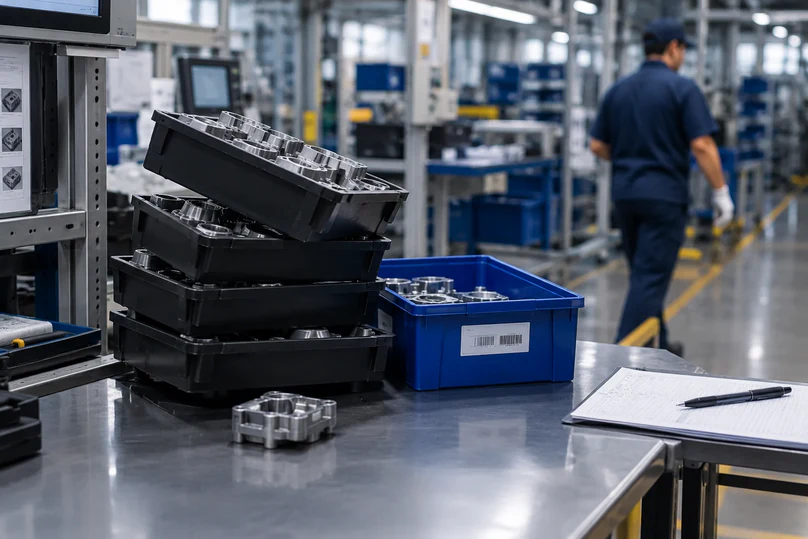
Conditions that create risk
A part set aside and picked back up a few minutes later. Work stacking up at the bench faster than it clears. An inspection run so fast that it amounts to no inspection at all.
Safety
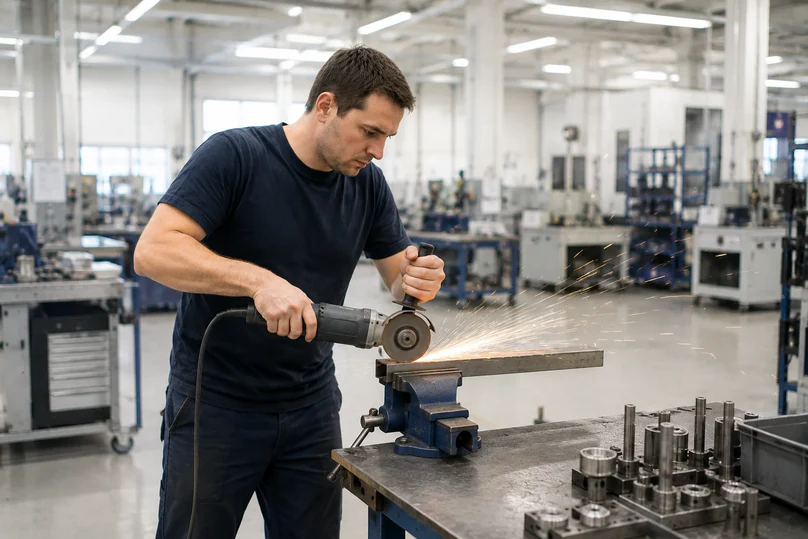
Safety glasses missing in a zone that requires them. A person standing where the procedure keeps the floor clear. Any rule you’ve written to protect the operator’s wellbeing rather than the build.
None of that is written in your work instructions, because your work instructions describe what to do. This is the other list, and many plants have never written it down. Part of what Assembler AI does in the first two weeks is help you write it.
Four steps, and you own the rules
- STEP 01
You give us the list
Walk us through the station and tell us what no one should ever do there. Most teams name a few right away, then add more once they’ve watched two weeks of footage
- STEP 02
Assembler AI configures the detection
Each rule gets built against your station, your lighting, and your layout. Rules that depend on something a camera can’t resolve get flagged now rather than after go-live.
- STEP 03
It runs on every cycle
No sampling and no walk-by. Operator Vision reads every action at the station on every shift, including the shift no one supervises closely.
- STEP 04
The operator gets it first, with the evidence
Every flag carries the video that produced it and a timestamp, and it reaches the station before it reaches anyone else. Nobody has to take the alert on trust, because the footage arrives with it.
The operator gets the first look
An alert that goes over the operator’s head turns a camera into a complaint. So the order it travels in matters more than the speed
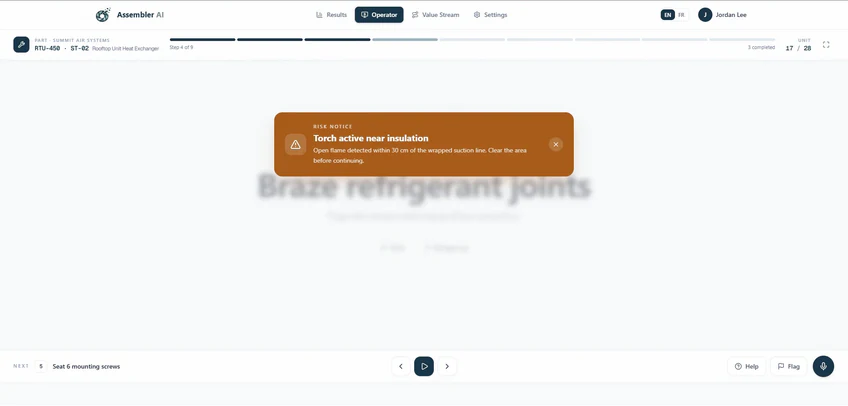
FIRST
The operator
The flag reaches the station the moment it fires, while the part is still at the bench and the fix costs a few seconds of extra work. The station screen shows what triggered it and gives the operator a way to respond, acknowledge, or tell engineering the rule needs adjusting.
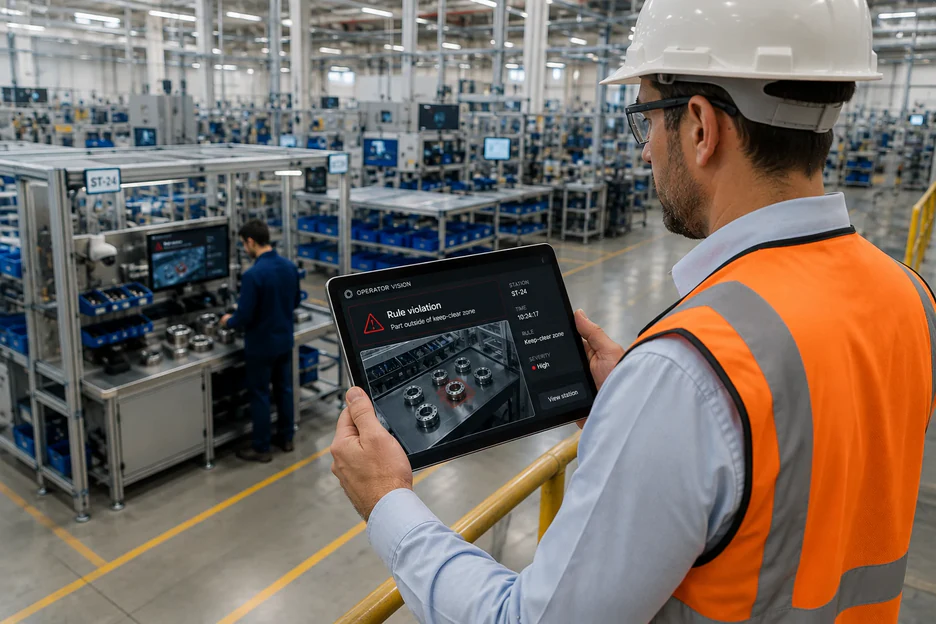
Next
Your supervisor
If it isn’t handled at the station, the alert escalates with the video attached, while there’s still time to pull the unit and keep the rest of the batch clean.
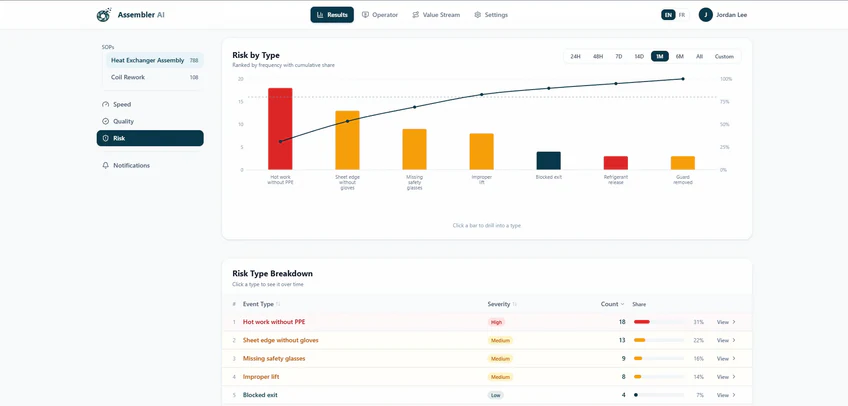
ALWAYS
The dashboard
Every event lands in the record whether it was fixed in five seconds or escalated to a manager. One-off flags are noise. The same flag forty times on second shift is a finding.
Escalates immediately
Contamination, a part in the wrong place, and anything with consequences downstream.
Daily digest
Everything else collects with trend lines by station and shift, so a habit that’s spreading shows up without an email every time it happens.
Operator Vision only sends alerts it has high confidence in, because an alerting system nobody trusts is worse than no alerting system. Assembler AI works through the early weeks alongside your team, setting which events matter, who receives them, and what happens next. If something you care about isn’t reaching anyone, the threshold opens up. If a rule is firing on noise, it tightens. What you end up with is a set of alerts that are the right ones, land with the right people, and can be acted on.
It also finds issues you didn’t ask for
Configured rules catch what you already know to worry about. Operator Vision also reads the whole scene, which means it flags conditions that match no rule and no normal shift either
A pattern we see often
An inspection bench where parts start accumulating because a step upstream slowed down. No one reported any issues. Inspection times quietly dropped below what an inspection takes. Operator Vision flagged the bench as abnormal, and the video showed work piling up faster than one person could clear it. That flag doesn’t come from a rule anyone wrote. It comes from Operator Vision knowing what the station usually looks like. When something turns up that you want to catch every time, Assembler AI turns it into a rule.
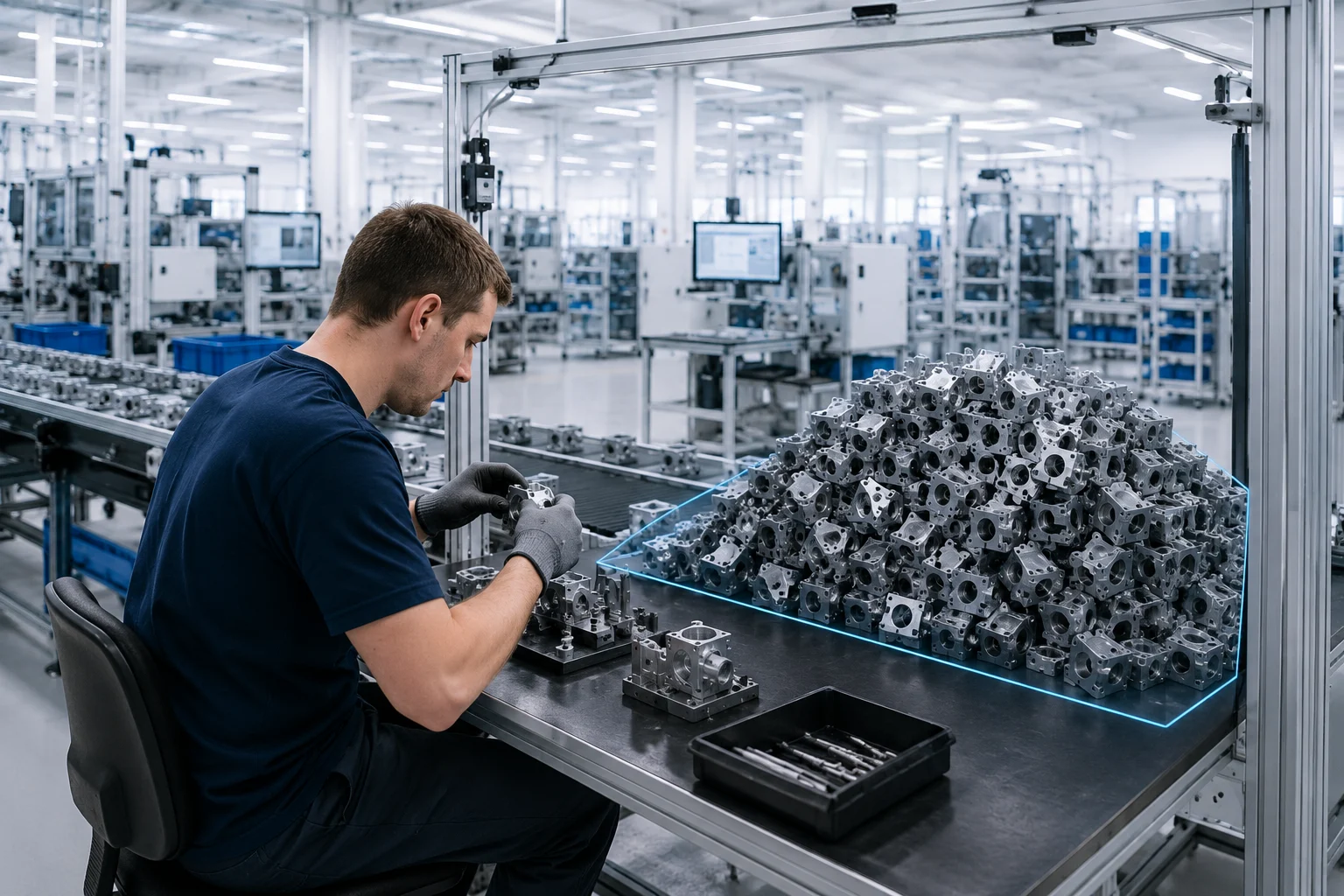

Most flags trace back to a process, a layout, or a bottleneck
A flag fires and somebody watches the video. What usually turns up is a problem nobody had visibility into. The part came off the floor because there’s nowhere on the bench for it to sit, which is a layout problem. The operator walked off with a part because they needed a second opinion on it, which tells you the work instructions leave a judgment call unanswered. The inspection got rushed because parts were arriving faster than one person clears them, which is a throughput problem upstream. In all three, the video is what made the cause visible. Fix the bench, fix the work instructions, fix the flow, and the flag stops firing. Faces are blurred by default. Operator Vision doesn’t collect operator names or IDs, and the data comes back tied to a station and a shift. Where a union agreement applies, Assembler AI works inside it.
How we handle privacy and IT reviewWhere Operator Vision earns its keep first
Medical devices
Clean room practice, glove discipline, and anything that touches a floor. One contaminated unit puts the batch in question and the paperwork costs more than the part.
See medical devicesAutomotive components
Restricted zones around finished surfaces, correct bin, tray, and pallet placement, with the video to prove it when your customer audits.
See automotiveAerospace and defense
Staging and handling discipline on parts where a single scratch isn’t tolerated and rework means a retest.
See aerospaceHVAC
High mix means the right part in the wrong place is the easiest mistake on the floor, and the hardest to trace.
See HVAC
If a person at the station could see it, so can Operator Vision
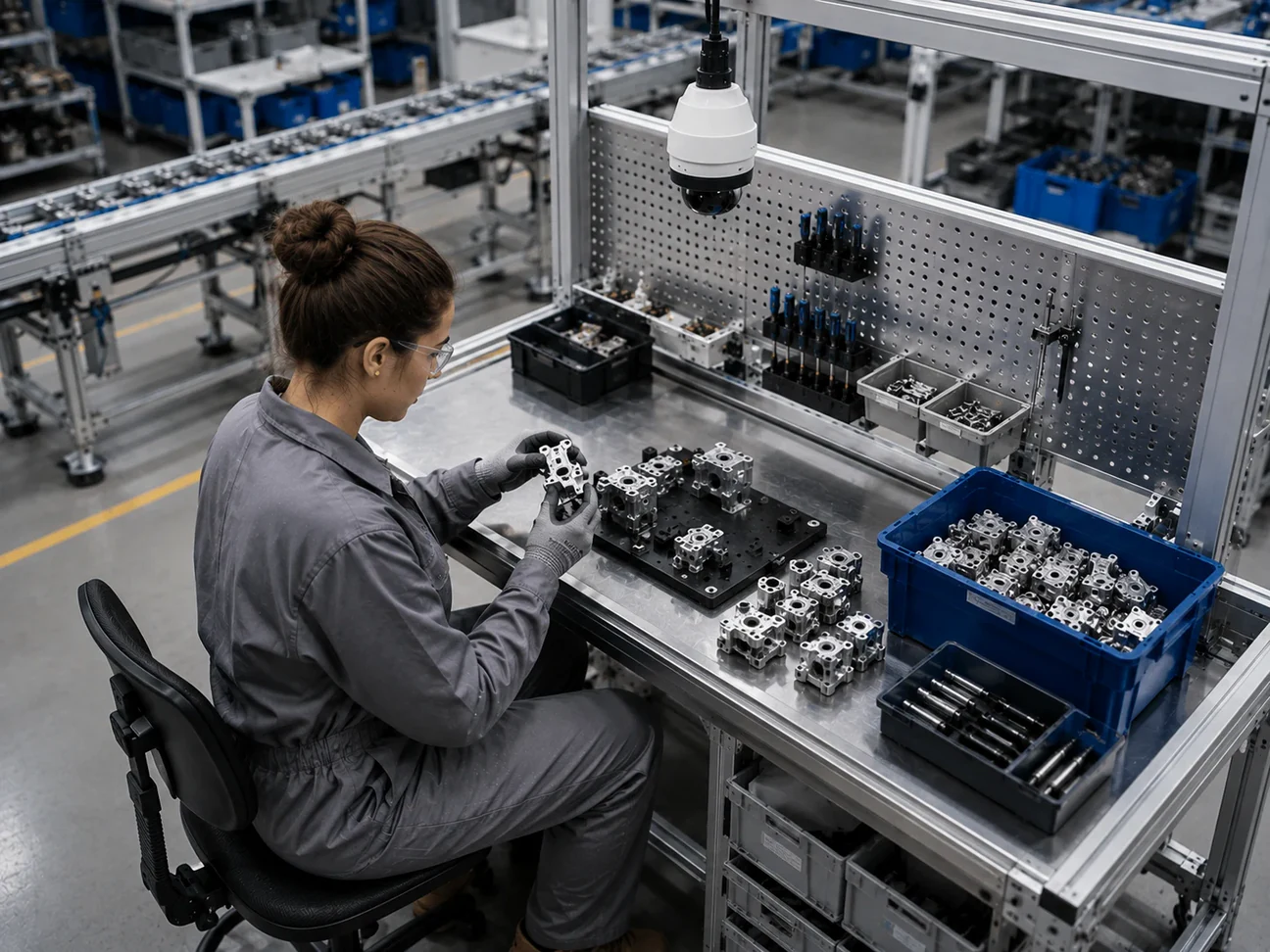
Anything visible at the station
Actions, positions, placement, dwell time, and where a part ends up, on every cycle rather than on the ones somebody sampled. What a supervisor standing there couldn’t resolve either, like a marking too small to read from above, gets identified during calibration rather than after go-live.
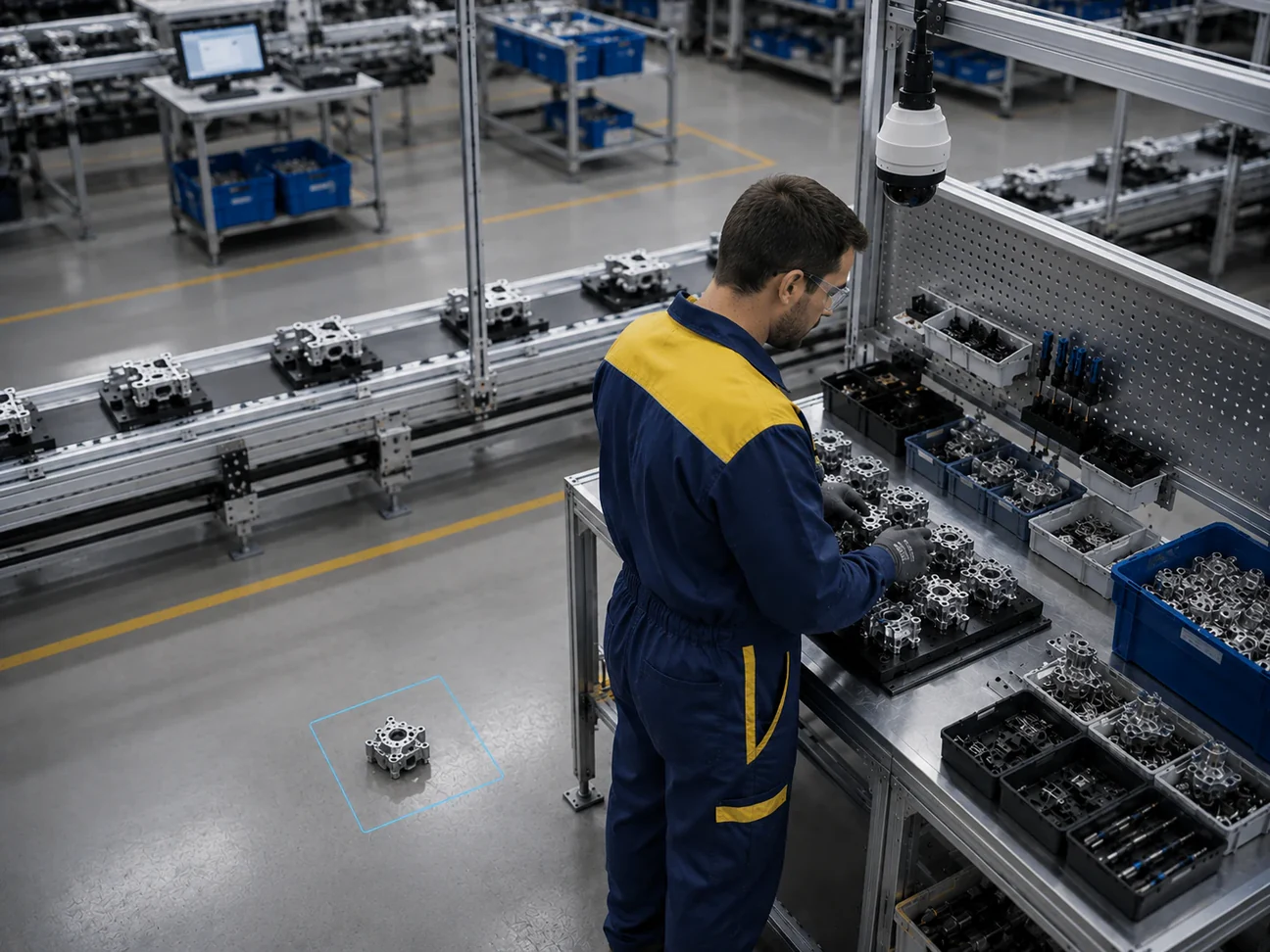
Rare events too
If something has happened twice in five years, Assembler AI writes logic built for that event specifically and audits those flags before they reach you, so your team only sees the real ones.
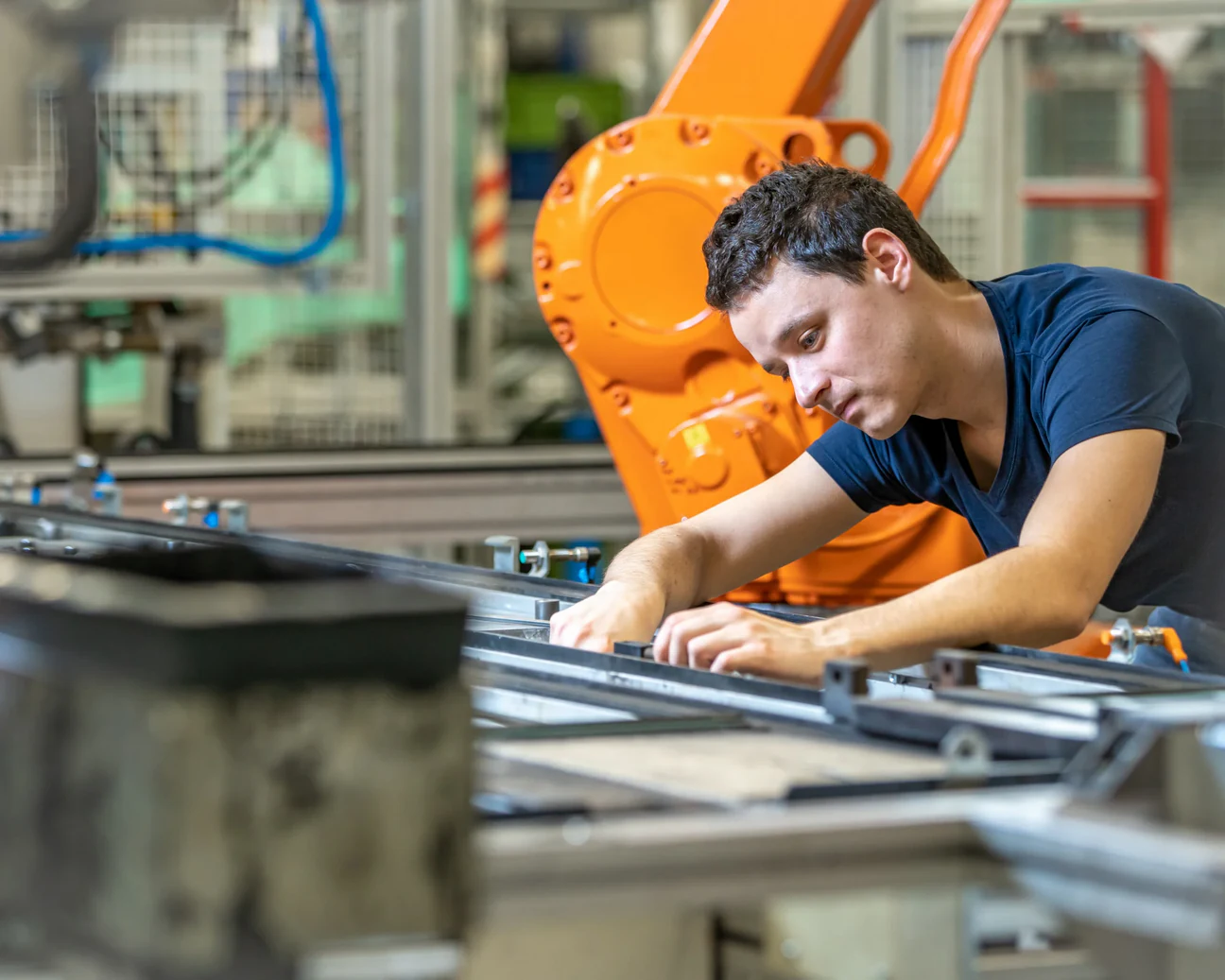
Safety rules alongside quality rules
Operator Vision watches the safety rules you hand it the same way it watches the rest. Incident workflows, corrective action tracking, and regulatory reporting live in your EHS system, and Operator Vision sits alongside it rather than replacing it.
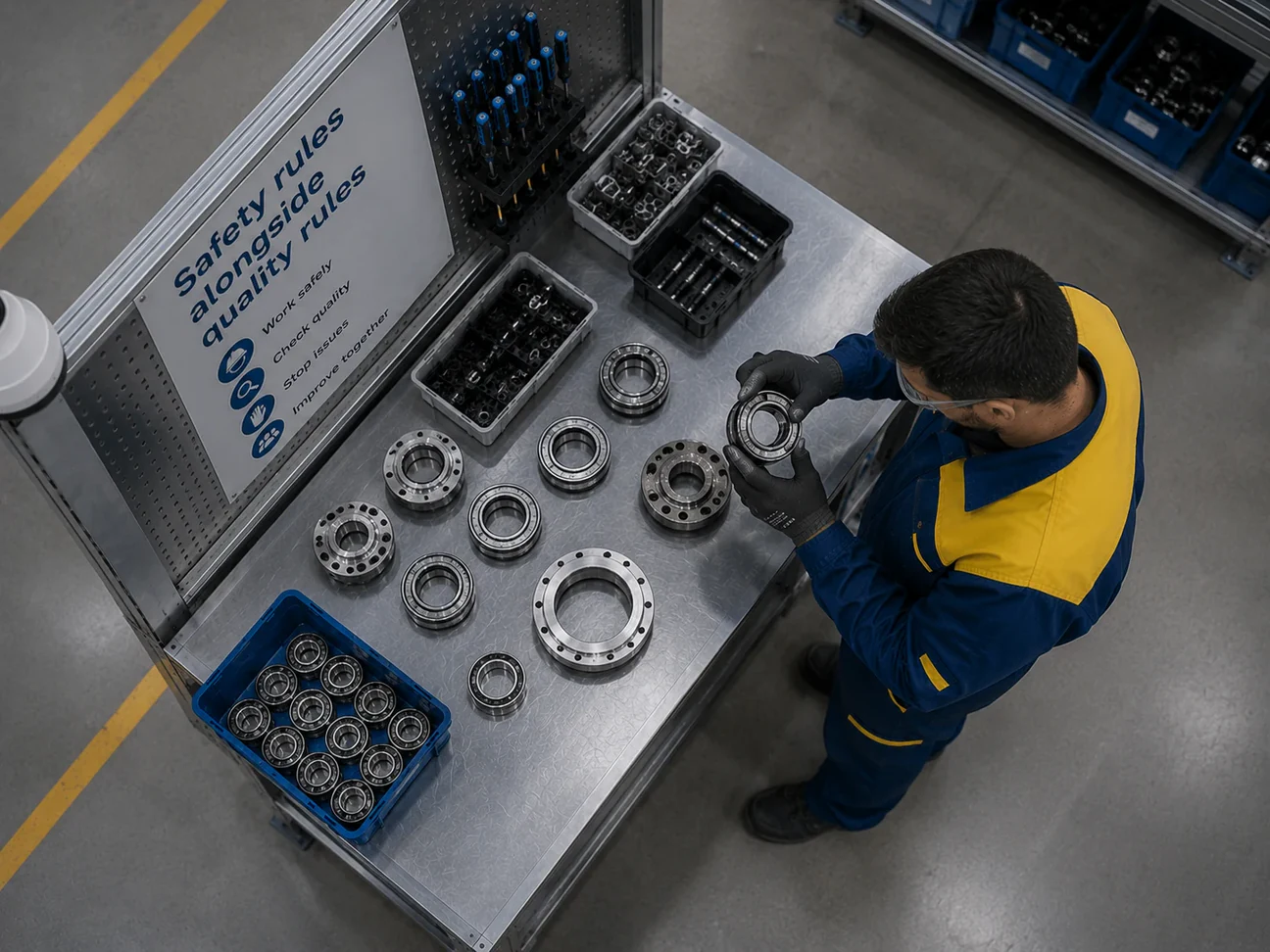
Rules built with you
You bring the list and Assembler AI builds each rule against your station, so what fires is what your team decided should fire.
Two weeks to a live station
Send your work instructions on day one. The camera goes up in week one, off-the-shelf NDAA-compliant hardware Assembler AI supplies and provisions, on its own subnet, streaming out over an encrypted VPN. Week two is calibration. Anything the camera sees that your paperwork doesn’t account for gets settled with your team before a rule goes live on day fifteen. That’s two weeks on a station with one operator, closer to three where several people share a bench. Stations after the first go up in parallel, so covering a line or a plant is measured in weeks rather than one station at a time.
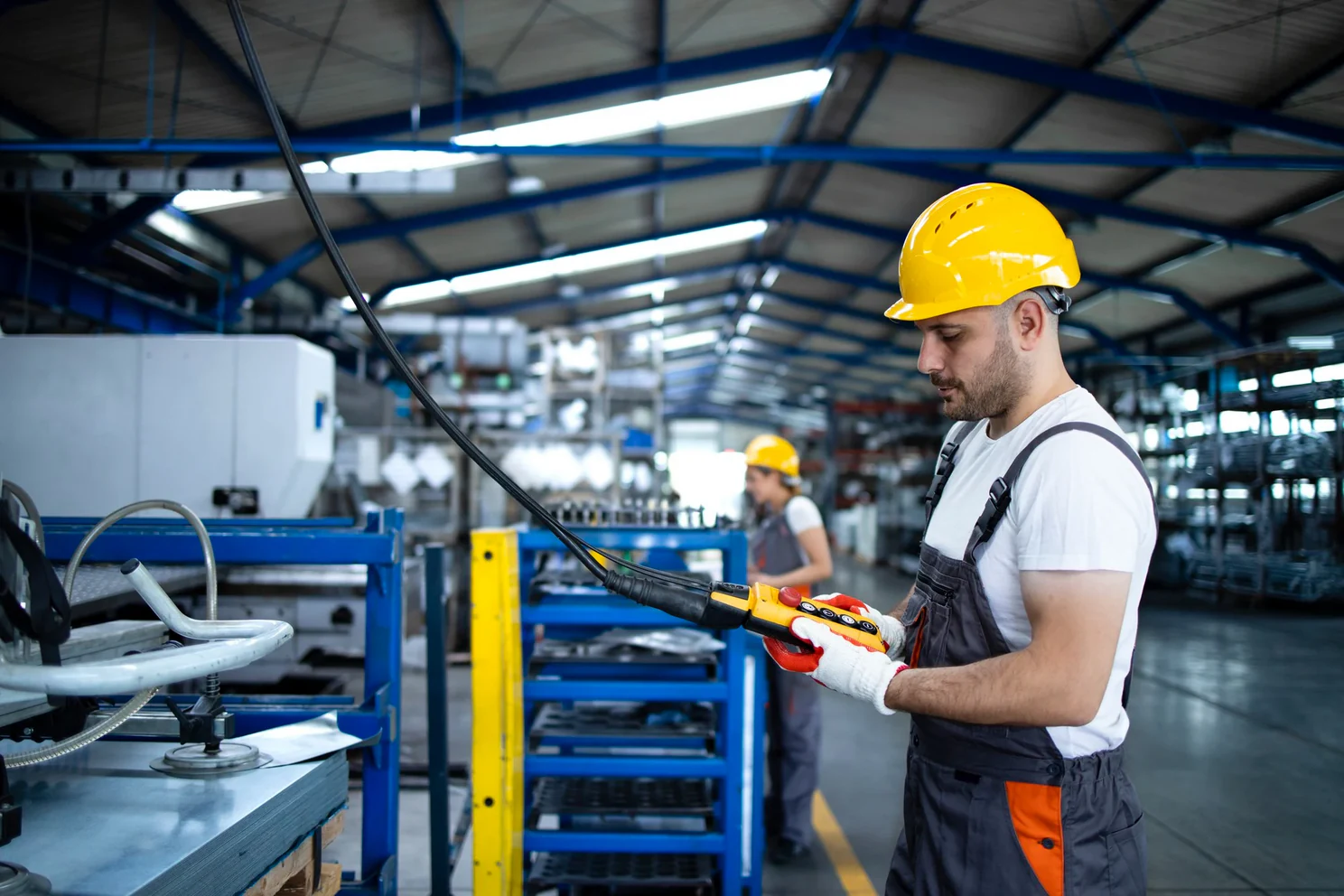
Start with one station. The data gets more valuable with every one you add
Nobody instruments a plant on a vendor’s promise. So you start small, with the station where a do-not-do action would cost you most. Two weeks later you know how often it’s actually happening, on your own floor, with video.
What happens after is worth understanding before you begin. This data is comparative, so every station you add makes the ones you already have more useful.
One station
How often the actions on your list actually occur, and what’s causing them.
The line
The same rule across several benches shows you whether it’s one station’s problem or a pattern. That difference changes what you fix.
The factory
Shifts and cells compare against each other. A habit spreading on second shift is visible while it’s still a habit rather than an incident.
Across sites
The same rule in two plants becomes comparable for the first time. A practice that one plant has solved becomes the standard everywhere, with video of what solved it.
If you’re heading toward multiple sites, tell Assembler AI early and we’ll scope single sign-on, role-based permissions, and per-site data separation with your IT and HR teams while the first station runs.
Questions your team will ask
As many as are worth acting on, which is usually fewer than people expect. Operator Vision only sends what it has high confidence in, and Assembler AI works with your team to set which events matter, who receives them, and what happens next. If something important isn’t getting through, we open the threshold. If a rule is firing on noise, we tighten it.
No, and almost no one does. Start with what your most experienced supervisor would say if you asked what worries them at that station. After two weeks of footage the list usually grows.
Yes. Risk detection runs independently of cycle time reporting. If contamination, damage, or GMP practice is the problem you need solved, Assembler AI scopes the deployment that way.
Yes. Floor contact and zone rules are what clean room customers ask for first, and it’s where this module proves itself quickly. Full clean room clothing does change what a camera can tell apart, so the specific rules get confirmed against your station during calibration.
That’s useful and Assembler AI wants to hear it. The operator raises it with a supervisor and the video settles the question. What operators notice at the bench feeds back into how the rules are set, so the deployment gets sharper on your floor over time.
Operator Vision can catch those too. Rare events get logic written specifically for them, and Assembler AI audits those flags before they reach you so your team only sees the real ones.
Lighting changes aren’t an issue. Rules are built against your station as it stands, so if you move the bins or change a fixture, Assembler AI adapts the affected rules with you as part of keeping the deployment current.
Tell us what no one should ever do at that station
Bring us the one action that would make you stop the line. Operator Vision goes up on that station and inside a month you’ll know how often it’s happening.
No MES integration required and easily scales across your sites.
Insights on how manufacturers are using Assembler AI to boost cycle time and quality
Stay updated with the latest news, ideas, and product updates.